




Product Description
The advanced laser measurement tool
For smart performance in indoor applications
The Leica DISTO D2 - our bestseller - impresses with a range of 150 metres and new, innovative features. Thanks to the 'Smart Room' function, room plans can be created in no time at all. Transferring measurement data to the DISTO Plan app is easy and efficient with NFC. With automatic position detection, the fold-out end-piece ensures highly accurate measurements from edges and corners and avoids costly errors. A variety of additional functions incl. the Smart Horizontal Mode ensure unrivalled measurement performance indoors. Experience effortless precision and high efficiency with the Leica DISTO D2.
Easy data transfer with NFC
NFC simplifies the connection between the Leica DISTO D2 and the DISTO Plan app, as pairing is no longer necessary. Users can easily transfer measurements by simply holding the device close to a smartphone, ensuring fast and efficient interaction and increasing ease of use. Bluetooth is also available for data transfer, offering versatile options for smooth communication between devices.
Multifunctional end-piece
The multifunctional end-piece enhances precision in measurements from corners, slots, or edges. By flipping it out once, it forms a right angle that fits perfectly on edges, ensuring accuracy. Flipping it out twice transforms it into a stable, slim extension for measuring tight corners and slots. The device's automatic detection of the end-piece's position adds any necessary offset, preventing costly measuring errors and ensuring reliable results.
Smart Room – accurate floor plans
The Smart Room function sets a new standard in creating realistic and scaled room plans. With the built-in IMU, the Leica DISTO D2 seamlessly captures the orientation and movement of the device, enabling you to measure distances and angles clockwise or counterclockwise. The DISTO Plan app visualizes the measurements directly on your tablet or smartphone as a precise room plan.
Measure precise horizontal distances
Thanks to the combination of distance and inclination measurement, you can determine the horizontal distance easily and with absolute precision. This is particularly important when measuring long distances, as small deviations can lead to large measurement errors. With this function, you can even measure across obstacles.
In The Box
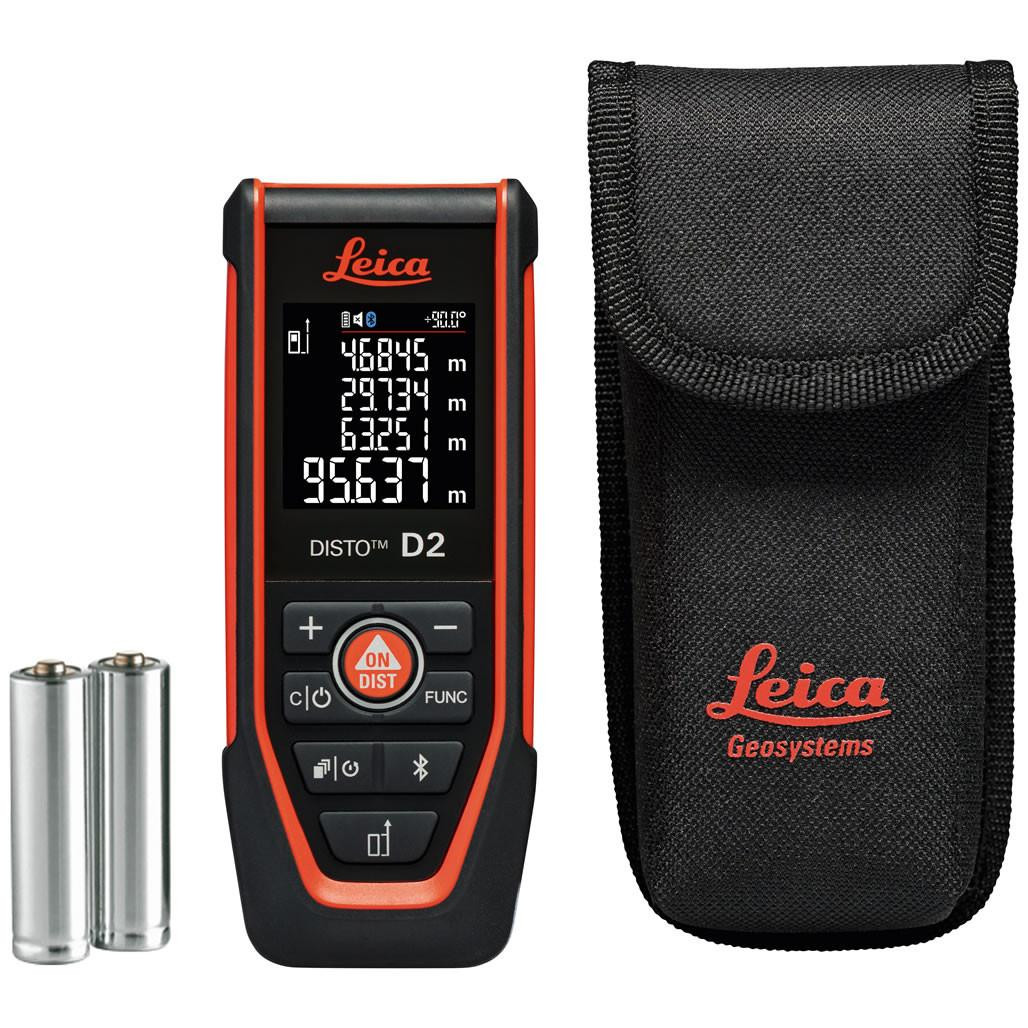
Leica DISTO D2
Carry Pouch
Hand Loop
2x AAA Batteries
Quickstart Guide
Warranty Card
Safety Manual
Calibration Certificate
| Technical Data | |
| Typ. distance measuring accuracy | ± 1.5 mm |
| Range | 0.05 up to 150m |
| Measuring units | m, ft, in |
| X-Range Power Technology |
yes |
|
Distance in m Ø of the laser dot in mm |
10, 50, 100 m 6, 30, 60 mm |
| Memory of last measurements | 30 |
| Display illumination | yes |
| Free software for Windows | yes |
| Free App for iOS and Android | yes |
| Wireless interface | Bluetooth® 6.0 & NFC |
| Multifunctional endpiece | yes |
| Automatic reference detection for endpiece | yes |
| Measurements per set of batteries | up to 7,000* |
| Service life of batteries | up to 14 h* |
| Batteries | type AAA 2 × 1.5 V |
| Protection class | IP54 |
| Dimensions | 127 × 50.5 × 24.5mm |
| Weight with batteries | 116 g |
* Reduced when used with Bluetooth®
Product Videos
Videos Hide Videos Show Videos
-

Leica DISTO™ D2 - The Smart Performance in Indoor Application
Meet the Leica DISTO™ D2, our bestselling laser distance meter...
-
Leica DISTO D2/G - How to use Smart Horizontal Mode
In this video, we’ll explain how to use the Leica DISTO™ D2's ...
-
Leica DISTO™ D2/G – How to Use the Intelligent Endpiece
In this video, we’ll show you how to use the multifunctional e...
-
Leica DISTO D2/G and X1 - How to use Bluetooth and NFC connectivity with iOS
In this video, we will explain how to connect your Leica DISTO...
-
Leica DISTO D2/G and X1 - How to use Bluetooth and NFC connectivity with Android
In this video, we will explain how to connect your Leica DISTO...
-
Leica DISTO™ Plan App - How to use Sketch Plan
Create a sketch on your smartphone or tablet and then assign d...